



01
Connect Watch Access
Access the connect watch experience through the relevant FITVERX interface, keeping the task within your existing platform.
01 / HERO SECTION
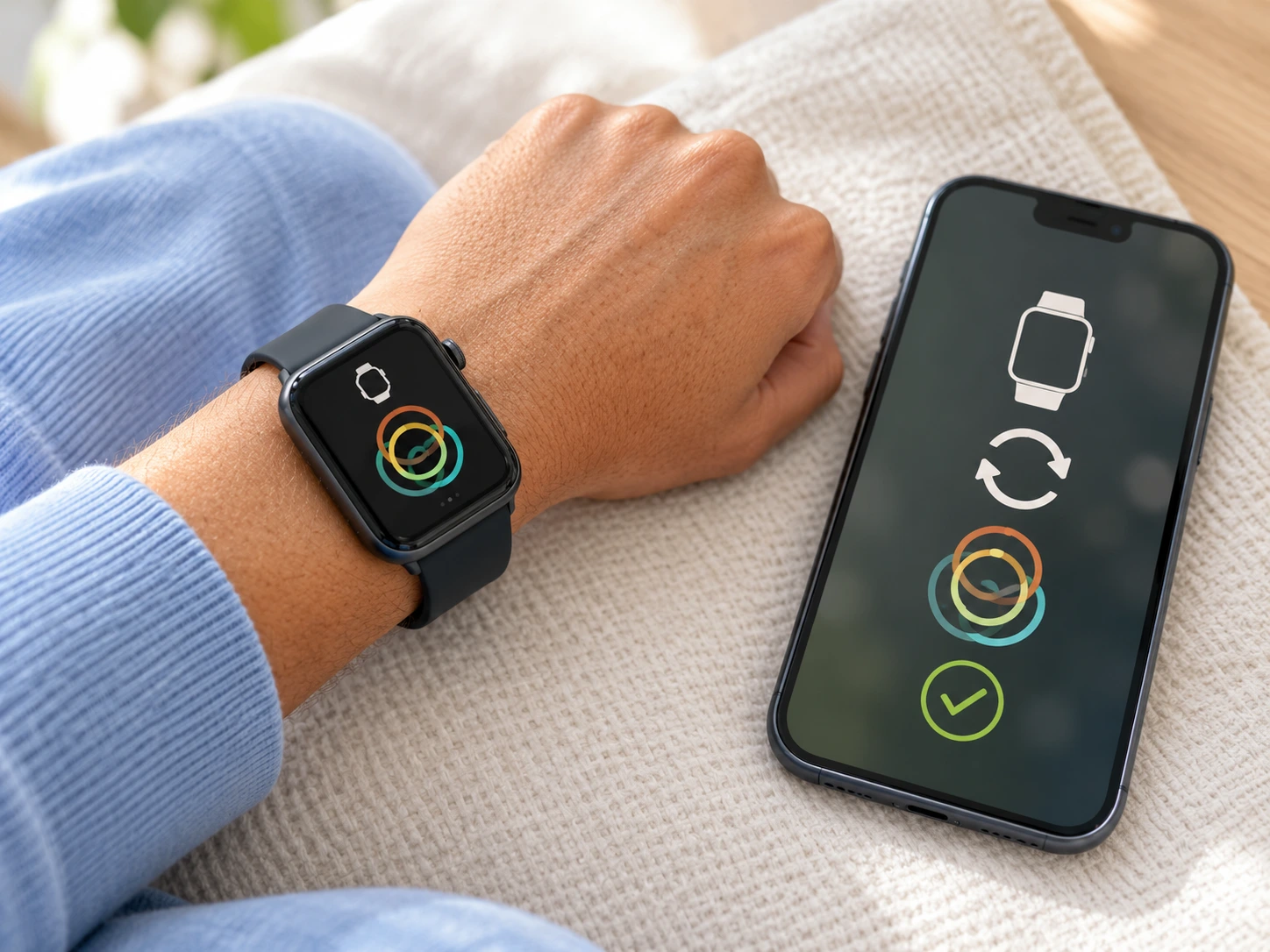
Connect an Apple Watch in FITVERX to sync activity data, helping members reduce manual tracking in their branded fitness experience.
02 / FEATURE OVERVIEW
Fitness businesses need practical tools that fit real daily routines. FITVERX Connect Watch supports the ability to connect an Apple Watch to support activity synchronization. With less manual activity tracking, your business can present a clearer, more consistent experience without turning a focused task into an unnecessarily complicated workflow.
03 / KEY CAPABILITIES
Give your members or team a focused way to use connect watch, with clear information and workflows relevant to this particular feature.
Access the connect watch experience through the relevant FITVERX interface, keeping the task within your existing platform.
Connect Apple Watch and sync activity data.
Keep the relevant information together so users can revisit connect watch activity when they need it.
Use connect watch alongside the training, member, and administration capabilities offered by FITVERX.
04 / HOW IT WORKS
The flow below illustrates how connect watch can fit into the daily FITVERX experience. Exact screen labels and configuration steps should be matched to the live product.
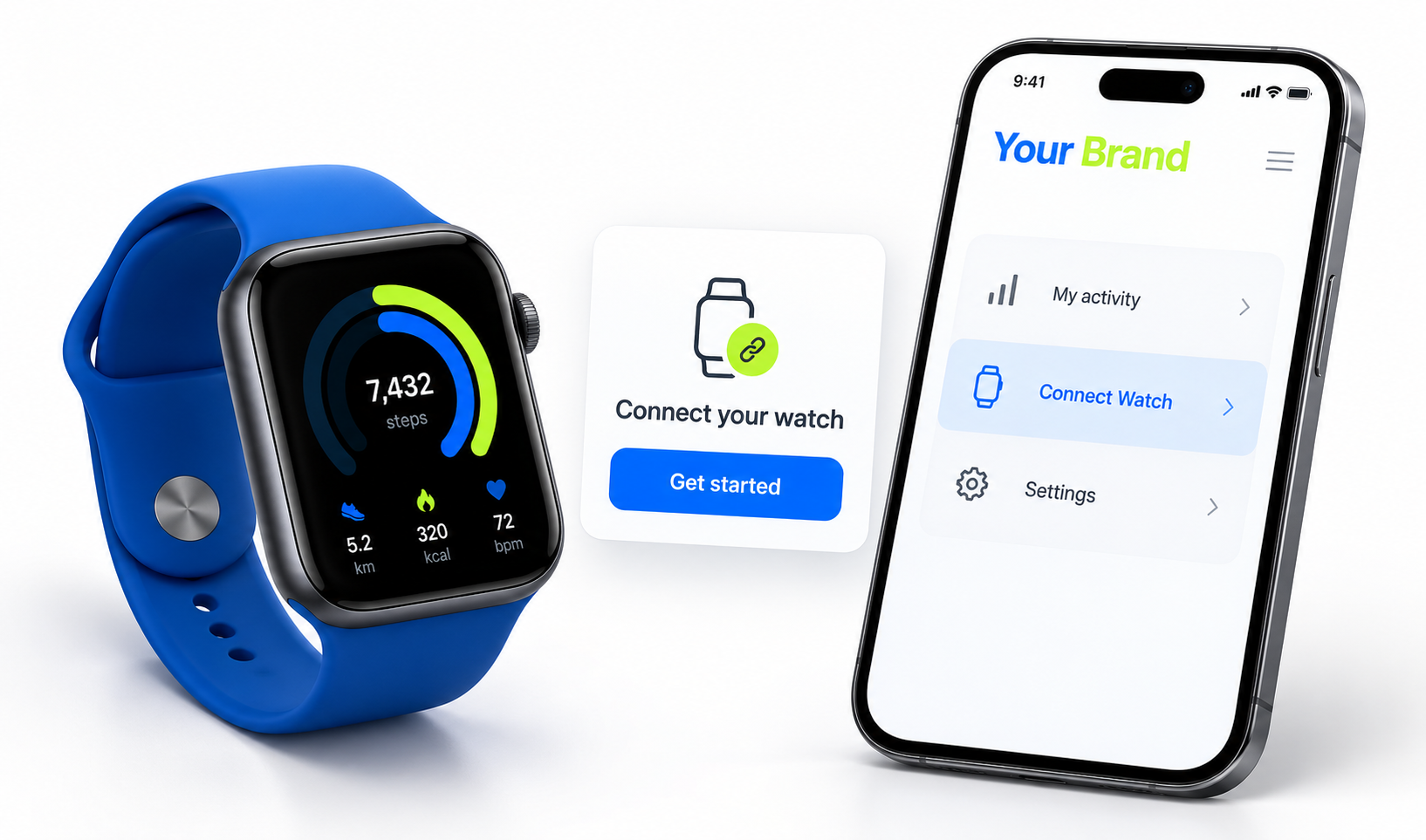 Screenshot opportunity: Connect Watch entry screen
Open the Connect Watch area in the appropriate FITVERX app or portal.
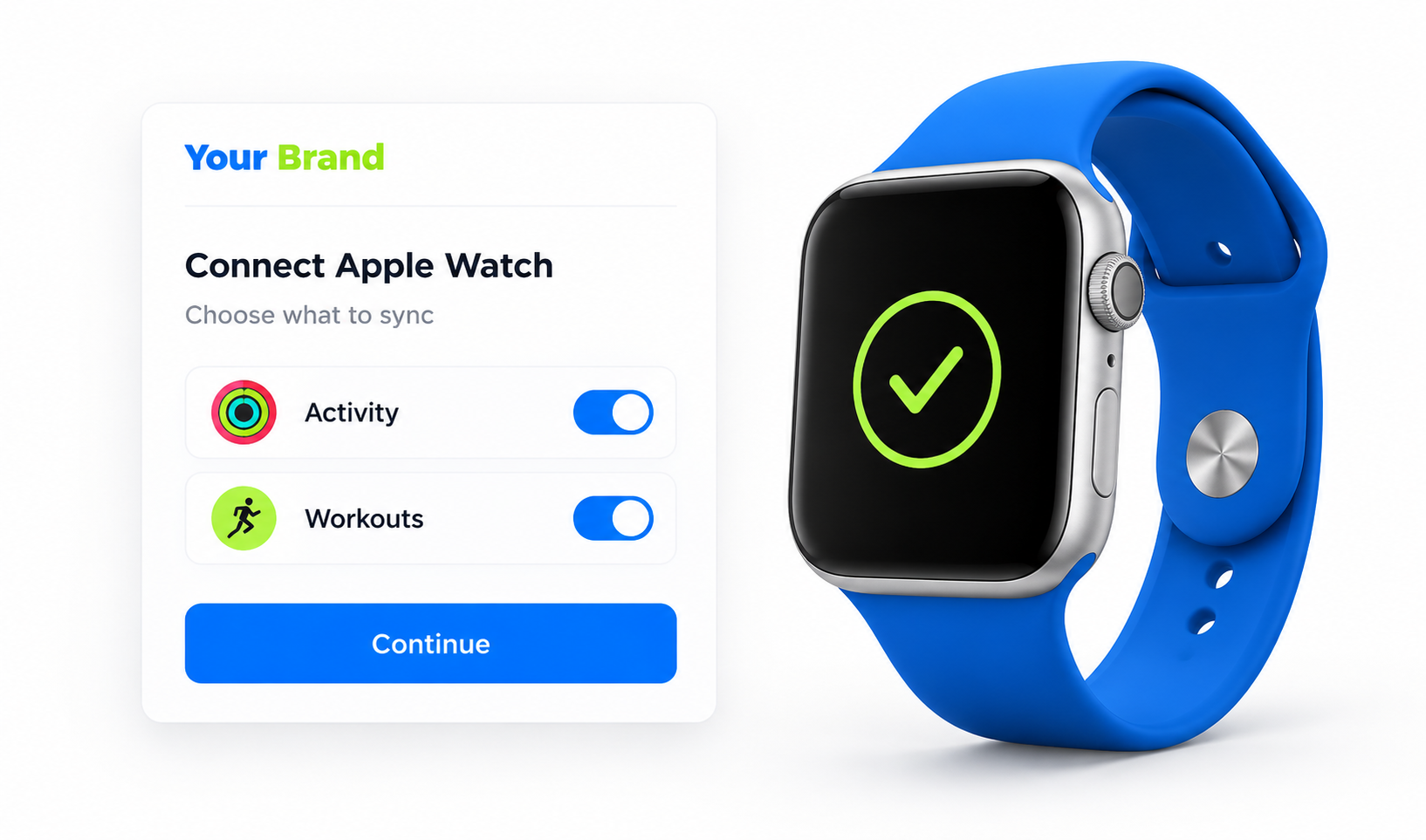 Screenshot opportunity: Connect Watch input or selection view
Find or enter the information needed to connect an Apple Watch to support activity synchronization.
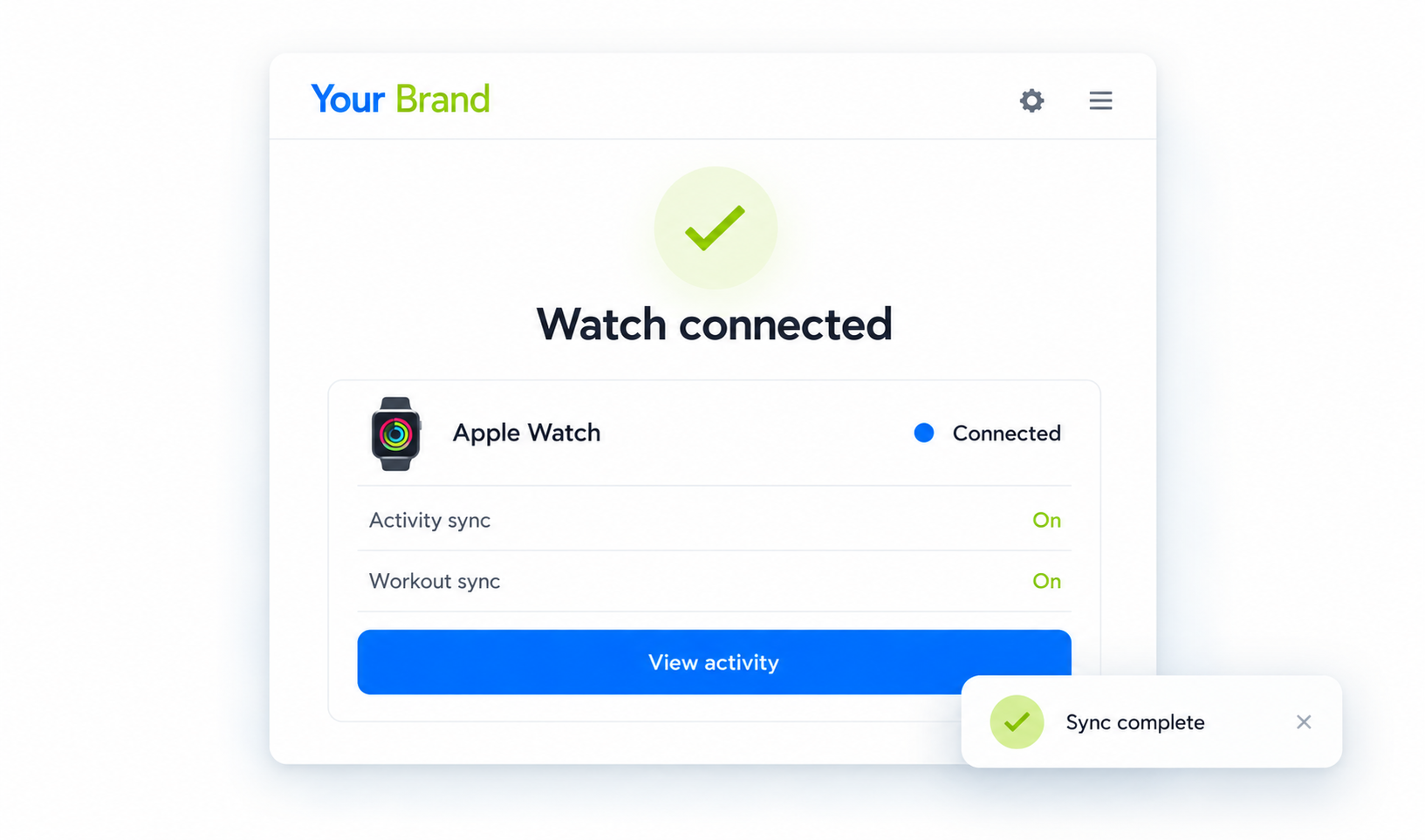 Screenshot opportunity: Connect Watch details or confirmation view
Complete the relevant action and review the connect watch information shown in the platform.
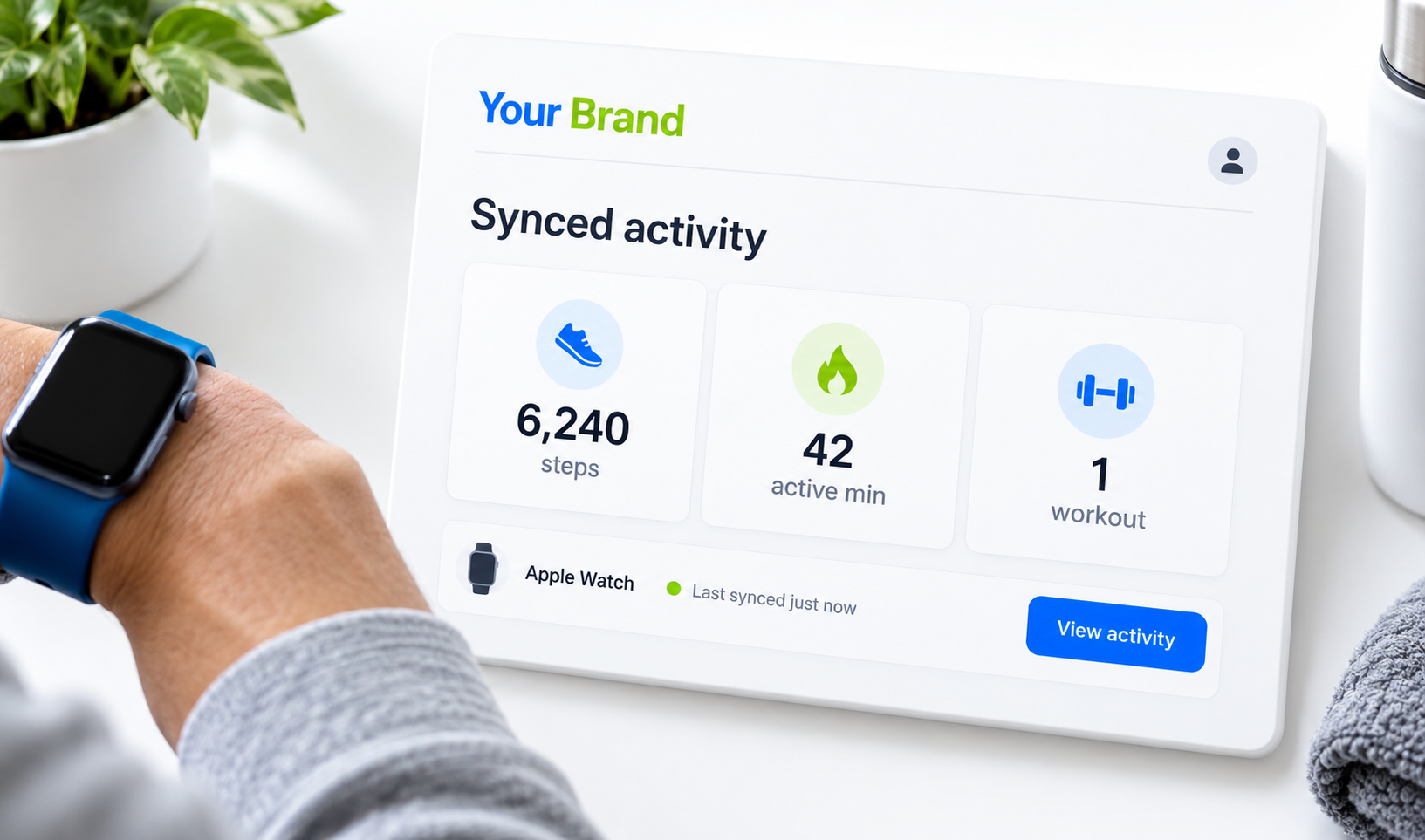 Screenshot opportunity: Connect Watch summary or history view
Use the available record or view again to support less manual activity tracking.
05 / BUSINESS BENEFITS
Offer a more useful member or staff experience through connect watch, while giving your business an additional practical capability that supports day-to-day service delivery.
Make it easier for relevant users to connect an Apple Watch to support activity synchronization without leaving the FITVERX experience.
Keep connect watch information associated with the member or business activity it supports.
Provide less manual activity tracking as part of your wider fitness and wellness offering.
Bring this capability together with FITVERX training, scheduling, and management tools where relevant.
06 / CONNECTED EXPERIENCE
FITVERX offers a central Gym Admin Portal and separate White-Label Staff and Client Apps. The feature fits into that product ecosystem without implying that every role can access all personal information or controls.
Manage accounts, programs, staff, and business settings while making connect watch available through the relevant FITVERX experience. Admin access to individual records depends on product permissions.
Support clients with their training plans and progress where appropriate; access to any connect watch information is subject to implemented features and permissions.
Where this is a member-facing feature, members can connect an Apple Watch to support activity synchronization through the branded fitness experience. Staff-only or administrator functions remain in their appropriate interfaces.
07 / FREQUENTLY ASKED QUESTIONS
Learn how connect watch fits into FITVERX and what users can expect from the capability described.
It is the capability to connect an Apple Watch to support activity synchronization. The feature is designed to support less manual activity tracking.
08 / FINAL CTA
Give your members and team a more practical way to connect an Apple Watch to support activity synchronization. Discover how FITVERX can help support less manual activity tracking within one connected fitness platform.